Paying by Card Abroad: When Local Currency Saves AMD 1,355
Varkonline
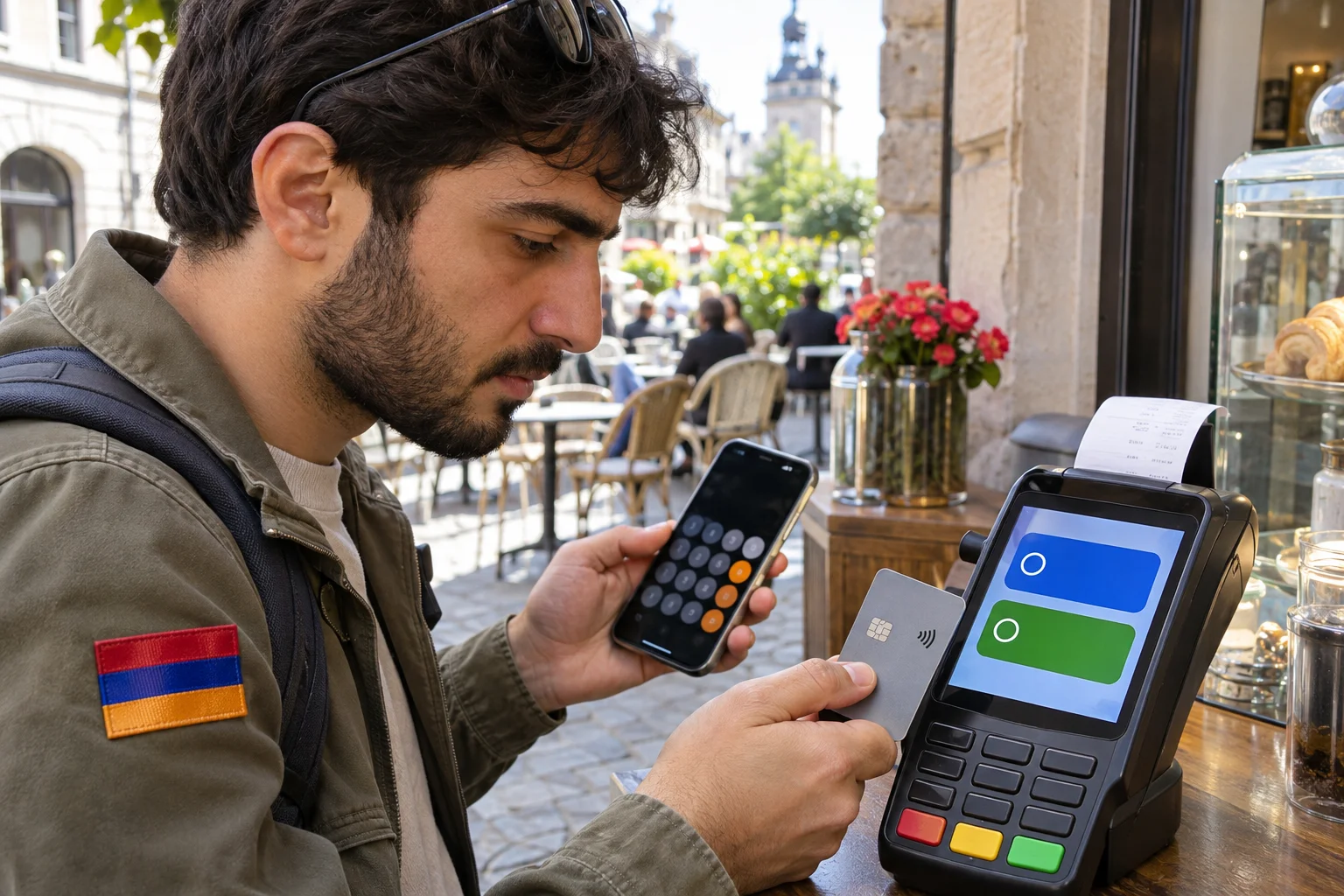
Summary. When paying by card abroad, a terminal may ask you to choose the local currency or your card's home currency, such as Armenian drams. The second option is Dynamic Currency Conversion, or DCC. It looks convenient, but its exchange rate and markup are set by the merchant's or ATM's conversion provider. Compare the total cost before confirming.
Publication date: 14 November 2026. Data checked: 14 November 2026.
What is DCC?
Imagine a EUR 100 bill in Paris and a terminal that offers either EUR 100 or AMD 45,000. Choosing drams means the merchant's DCC provider performs the conversion. Choosing euros leaves the transaction in local currency, after which your card issuer and payment network convert it under your card terms.
Visa says a DCC offer should display the amounts in local and cardholder currencies, the exchange rate and any additional fee or markup. Mastercard's guide likewise calls for a clear, neutral choice and disclosure of both amounts and the rate.
The EUR 100 calculation in three steps
This is a hypothetical example, not a market rate for 14 November 2026.
- DCC in drams: EUR 100 = AMD 45,000, an implied rate of AMD 450 per euro.
- Pay in local currency: assume the issuer's rate is AMD 430 per euro and its foreign-transaction fee is 1.5%.
The local-currency path is EUR 100 × AMD 430 = AMD 43,000, plus AMD 43,000 × 1.5% = AMD 645. Total: AMD 43,645.
The DCC offer is AMD 45,000. The difference is 45,000 − 43,645 = AMD 1,355, or about 3% of the DCC amount. Local currency is cheaper in this scenario.
Is local currency always automatically best?
No. Your issuer may charge a foreign-transaction fee, use its own rate or processing date, or apply more than one conversion if the account currency differs. Visa's exchange-rate calculator also warns that the final amount can vary because of issuer fees and processing timing. Compare the all-in amount, not only the largest number on the screen.
Five checks before pressing the green button
- Find the real local price. This is the base for every comparison.
- Record the DCC rate and markup. Do not accept merely because the dram amount looks familiar.
- Check your issuer's tariff. Look for conversion, foreign-transaction and overseas ATM fees.
- Calculate the total: local price × estimated issuer rate + percentage and fixed fees.
- Keep the receipt. Confirm that the chosen currency matches the receipt and banking app.
If the terminal chose drams for you
Visa rules require an opportunity to process the transaction in local currency. If no choice was offered, ask the merchant to cancel and repeat it in local currency, keep the receipt and contact your issuer if needed. Do not approve a second charge until you can see or document the first reversal.
What this means for the reader
“Pay in drams” is not a price guarantee; it is a separate conversion offer. Spend 20 seconds checking the rate, markup and issuer fee. An AMD 1,355 difference on one purchase becomes AMD 13,550 across ten similar transactions.
At an ATM, separately account for the operator's fixed fee and your issuer's cash-withdrawal fee. Declining DCC does not automatically remove those charges.
Conclusion
Do not choose by habit. Compare the local price, the complete DCC offer and your card tariff. If DCC details are hidden or the choice is presented under pressure, choose local currency and document the transaction.
Sources
- Visa — Dynamic Currency Conversion Explained
- Mastercard — Dynamic Currency Conversion Performance Guide
- Visa — Exchange Rate Calculator
- Visa — Rules and Policies on Currency Conversion
This article is educational. Rates and fees in the example are hypothetical; check your issuer's current tariff.